
How this subscription calculator works
Subscriptions are designed to be forgettable. Each one is a small amount that renews quietly, so the total rarely feels real until you add it up. This tool does the adding for you: type the monthly price of each subscription you pay for, choose how much you used it last month, and tap Show my total.
You'll see three numbers: your monthly total, your yearly total (monthly × 12), and the amount going to subscriptions you didn't use or barely used last month. Everything runs in your browser — nothing is saved or sent anywhere.
What your result means
- Lean: your total is small and you use what you pay for. Do a quick check every few months so new ones don't creep in.
- Room to trim: some of your money goes to services you barely touched. Those are the easiest to pause or cancel, and you can always re-subscribe later.
- Subscription creep: a big chunk of your total goes to things you didn't use last month. A 20-minute audit could free up a noticeable amount every month.
These labels are just a nudge based on what you typed — not a judgment and not financial advice. Only you know which services are worth it to you.
Where to find subscriptions you forgot about
The hardest part is finding them. Many are billed through Apple, Google, Amazon or PayPal, so the app's name never appears on your statement. Search three months of bank and card statements for “subscription”, “renew” and “membership”, and look for charges on the same day each month. Then check the subscription lists in your phone settings, your Amazon account and PayPal's automatic payments. Our subscription audit checklist walks through each one.
Keep, cut or rotate
For each subscription, ask: would I sign up for this again today at this price? If yes, keep it. If you haven't opened it in a month, cut it. Streaming services are great candidates to rotate: keep one at a time, watch what you want, cancel and switch next month. Before cancelling something you do use, check for a cheaper tier, an annual plan or a family plan you can share with your household.
Subscriptions people often forget
When you fill in the calculator, these are the ones that most often slip through: a second or third streaming service someone signed up for to watch one show; cloud storage that upgraded itself when your photos filled up; a free trial from a holiday sale that quietly turned into a monthly charge; a delivery or shopping membership; add-ons on your phone bill; a fitness app you used in January; and software that renews once a year, which is easy to miss because it only shows up on one statement. Yearly charges are the sneakiest — divide them by 12 and add them to the calculator so the monthly total is honest.
Put the money to work
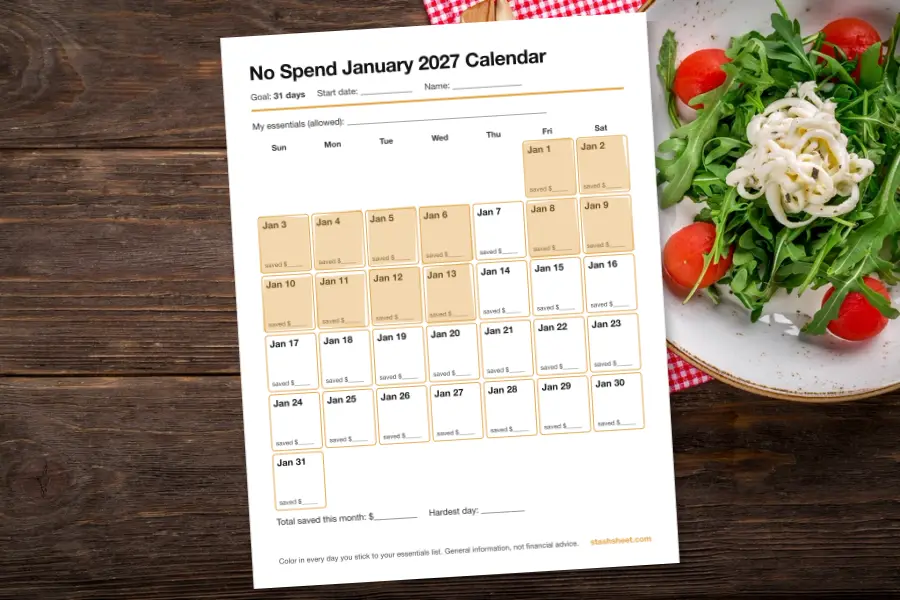
Money you free up only counts if it goes somewhere. On the day you cancel, set up a transfer for the same amount into savings — or shade a few squares on the 2027 savings challenge. Small amounts add up: every $10 a month is $120 a year.
Frequently asked questions
Is my data saved or sent anywhere?
No. Everything is calculated in your browser. Nothing you type is sent to us or stored on a server.
What counts as a subscription?
Anything that charges you automatically on a schedule: streaming, apps, memberships, boxes, cloud storage, software, add-ons on your phone bill and more.
Why does the calculator ask how often I use each one?
Because the most useful number isn't the total — it's the money going to services you barely used last month. That's usually the easiest money to get back.
How do I cancel the ones I don’t use?
Follow our subscription audit checklist. It shows where to find app-store, Amazon and PayPal subscriptions and how to cancel at the source.
For general information and fun only — not financial advice. Disclaimer.
 Subscription Audit Checklist
 The Small-Spend Leak Calculator
 No Spend January 2027